

What Corunner does with Zoho Books
Agents read your ledger for finance signals, invoice context, and AR/AP visibility. When granted approval, the Finance Agent can create invoices and expenses on your behalf so admin-heavy work does not accumulate.What you get
- Read invoices
- Read expenses
- Read contacts
- Create invoices
- Create expenses
Authentication
Connect with OAuth. A Zoho Books admin approves the scopes during the connect flow.What breaks if you disconnect
- Finance signals
- Invoice context
Manage this connection
Open Integrations in the Corunner web app, then find Zoho Books under the Direct Connections tab.Connect Zoho Books
When you click Connect Zoho Books, Corunner opens the connection dialog and redirects you to Zoho. If the redirect does not start automatically, click Continue to Zoho Books.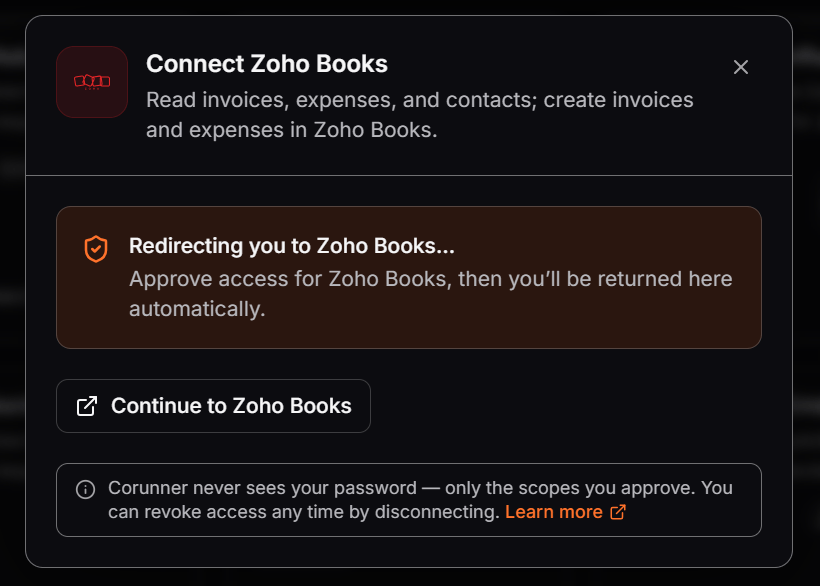
Continue from Corunner to Zoho Books to approve access.
Sign in to Zoho
Zoho Accounts asks you to sign in before you can review and approve the requested access.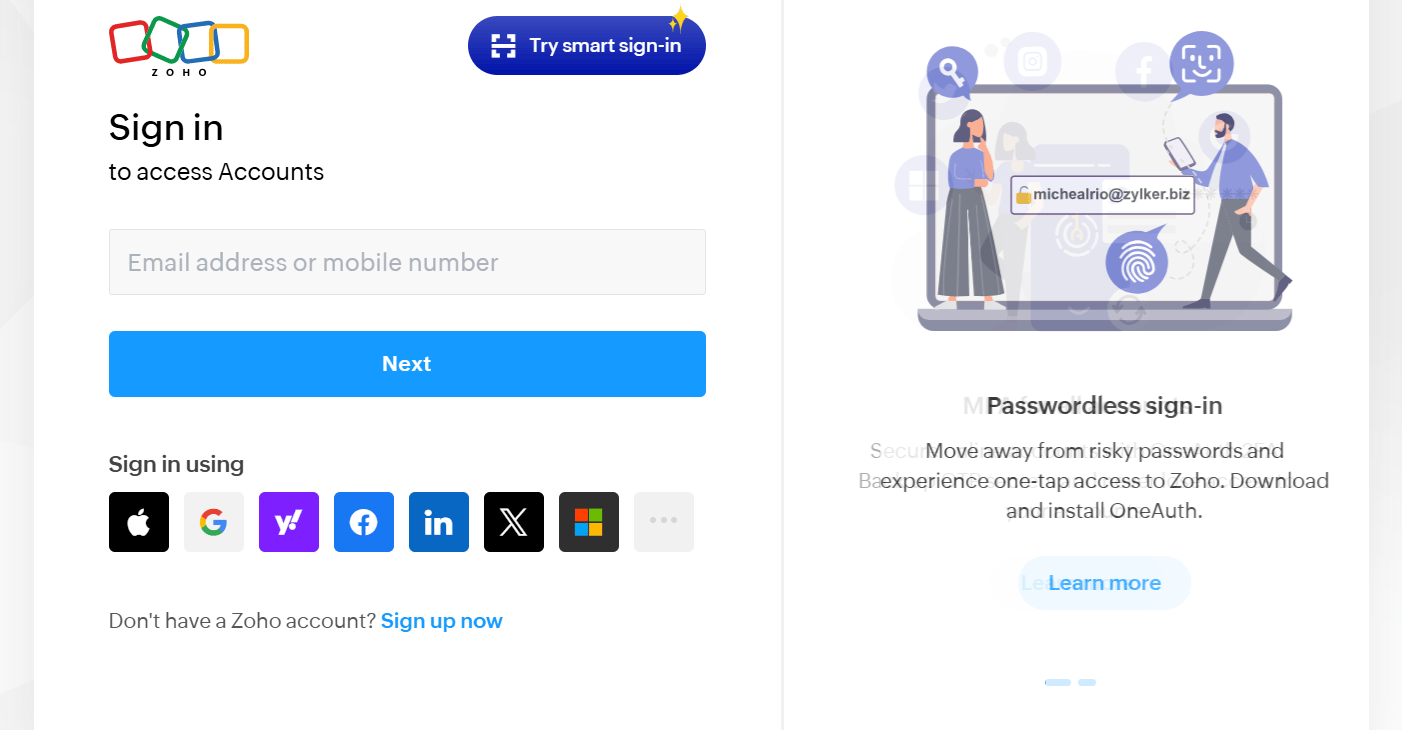
Sign in to your Zoho account to continue connecting Zoho Books.
1
Enter your Zoho account details
Enter the email address or mobile number associated with the Zoho Books organization you want to connect, then click Next. You can also use one of the available identity providers.
2
Review the requested access
Confirm that you are connecting the intended Zoho organization. Review the scopes Corunner requests for invoices, expenses, and contacts.
3
Approve the connection
Approve access in Zoho. Zoho redirects you to Corunner, where the Zoho Books card shows the connected state.